
Your network, now in your pocket.
Search your network, find the warmest path, and turn the right introduction into your next opportunity from anywhere.
Only for iPhone.
Everything you need, wherever you are
Find the right person, understand the path, and move the relationship forward without waiting until you are back at your desk.
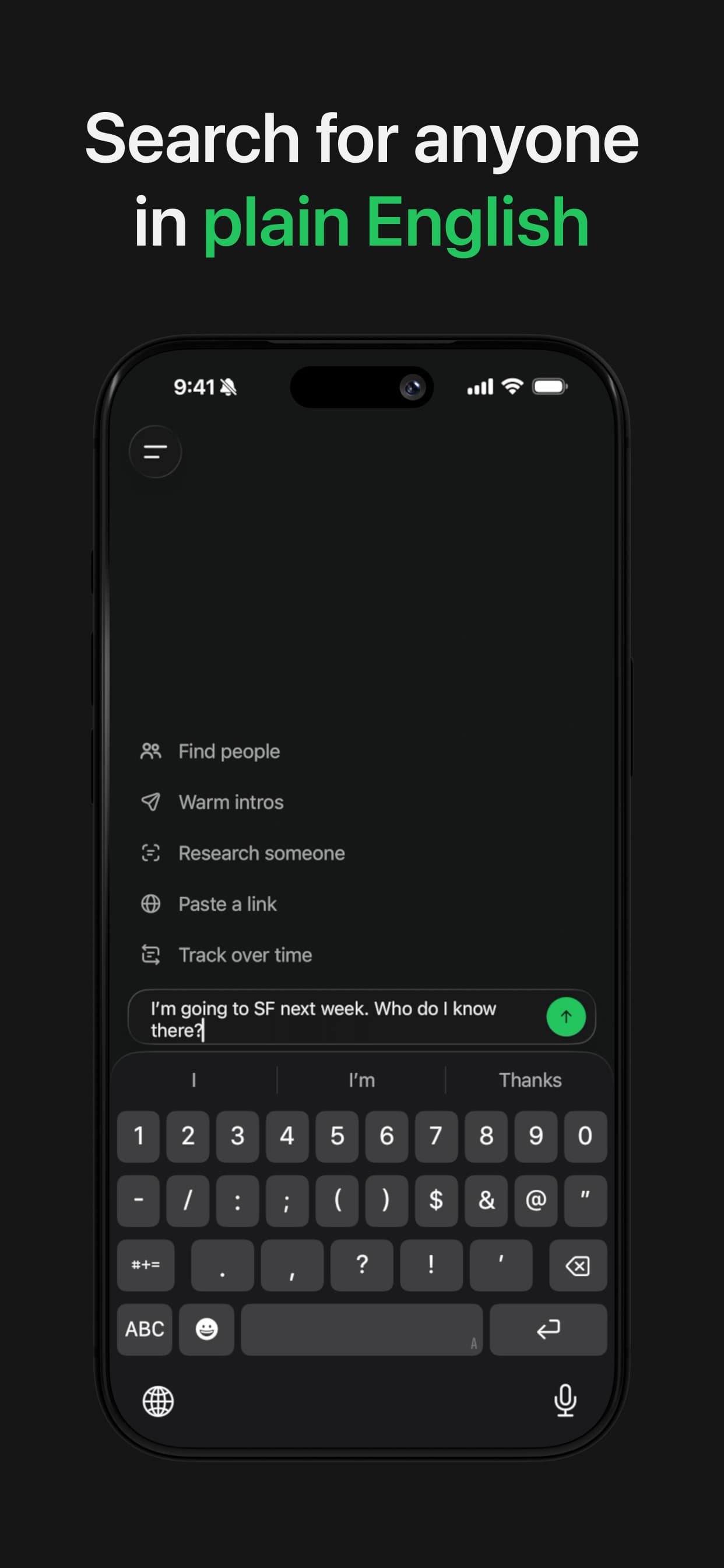
- Search in plain English
- Describe who you need. Happenstance searches your connected network and brings back the strongest matches.
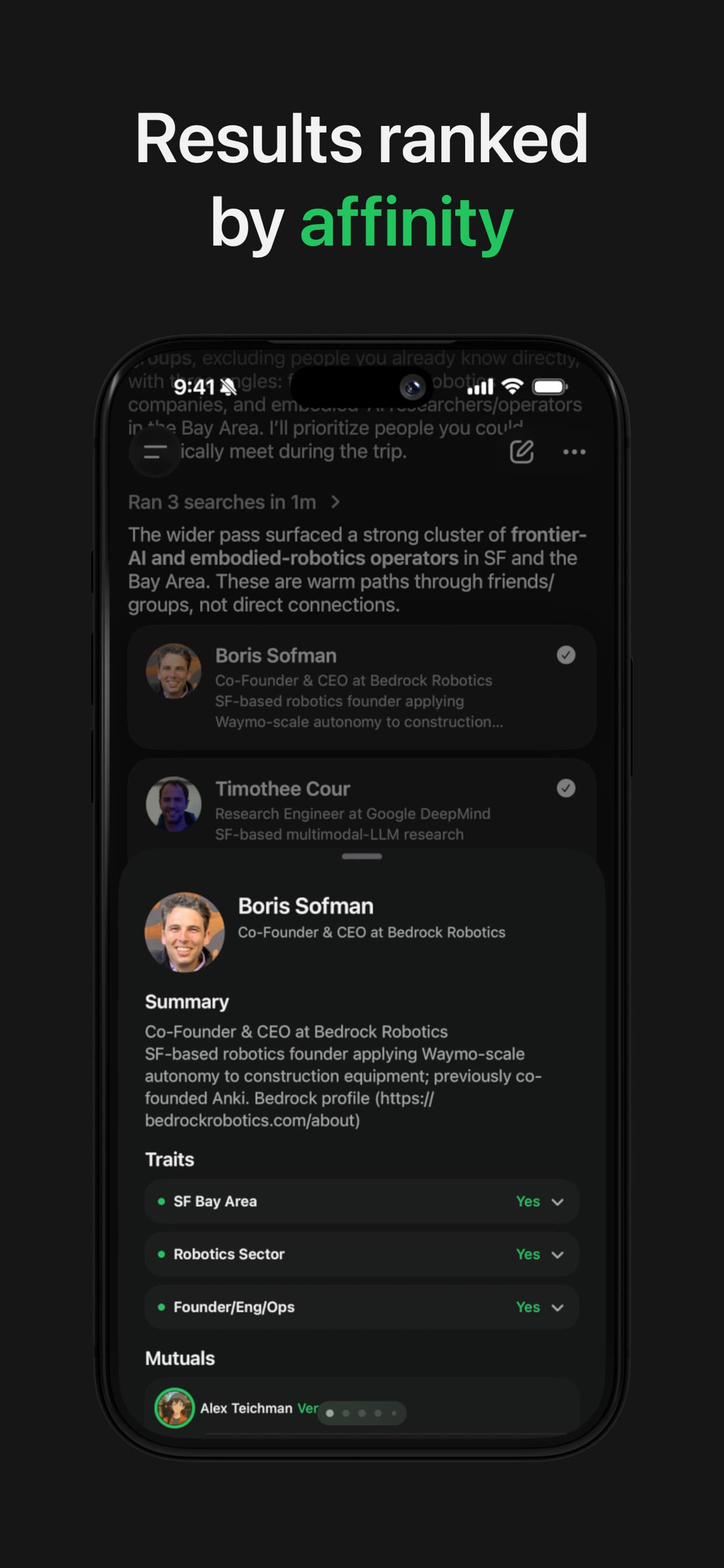
- See the warmest path
- Results are ranked by affinity, with mutual connections and useful context for every person.
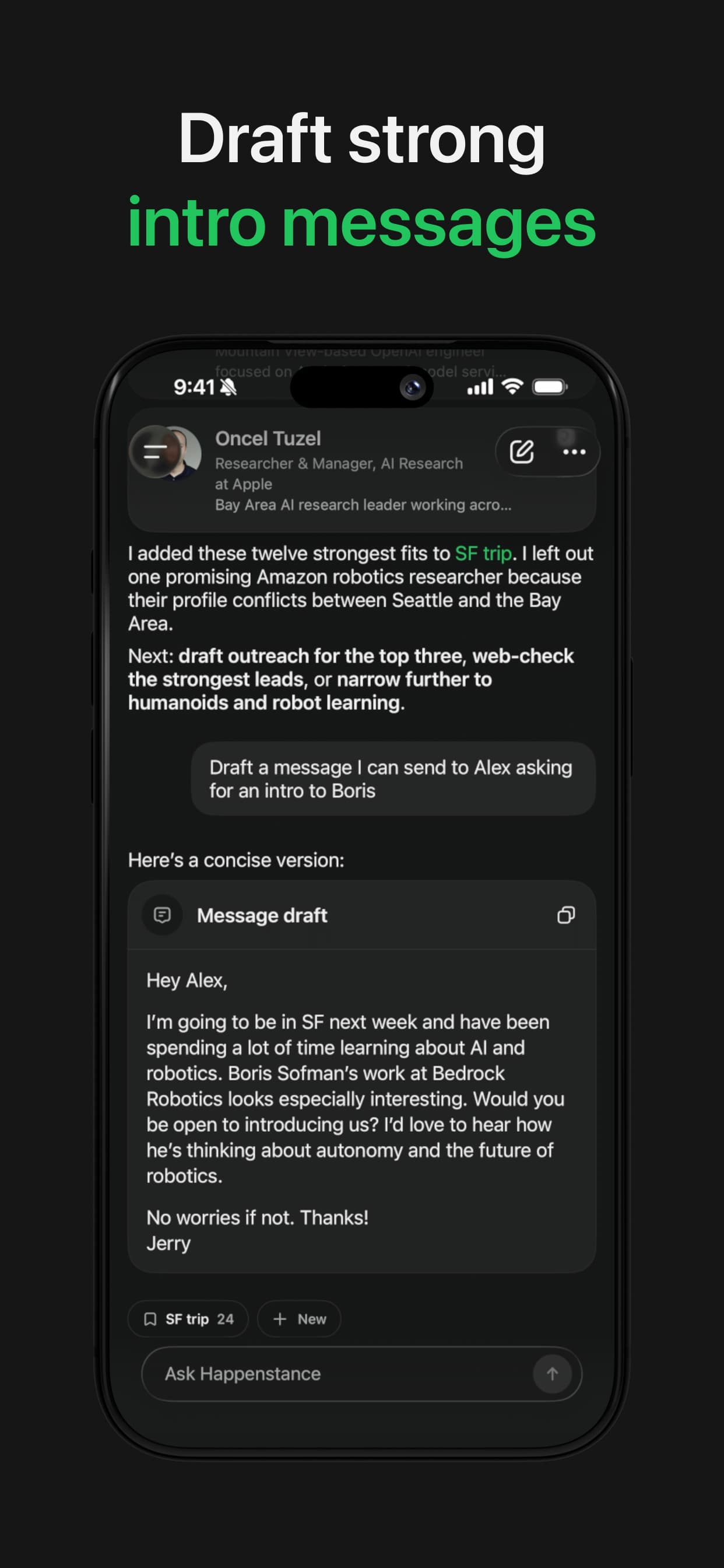
- Turn results into action
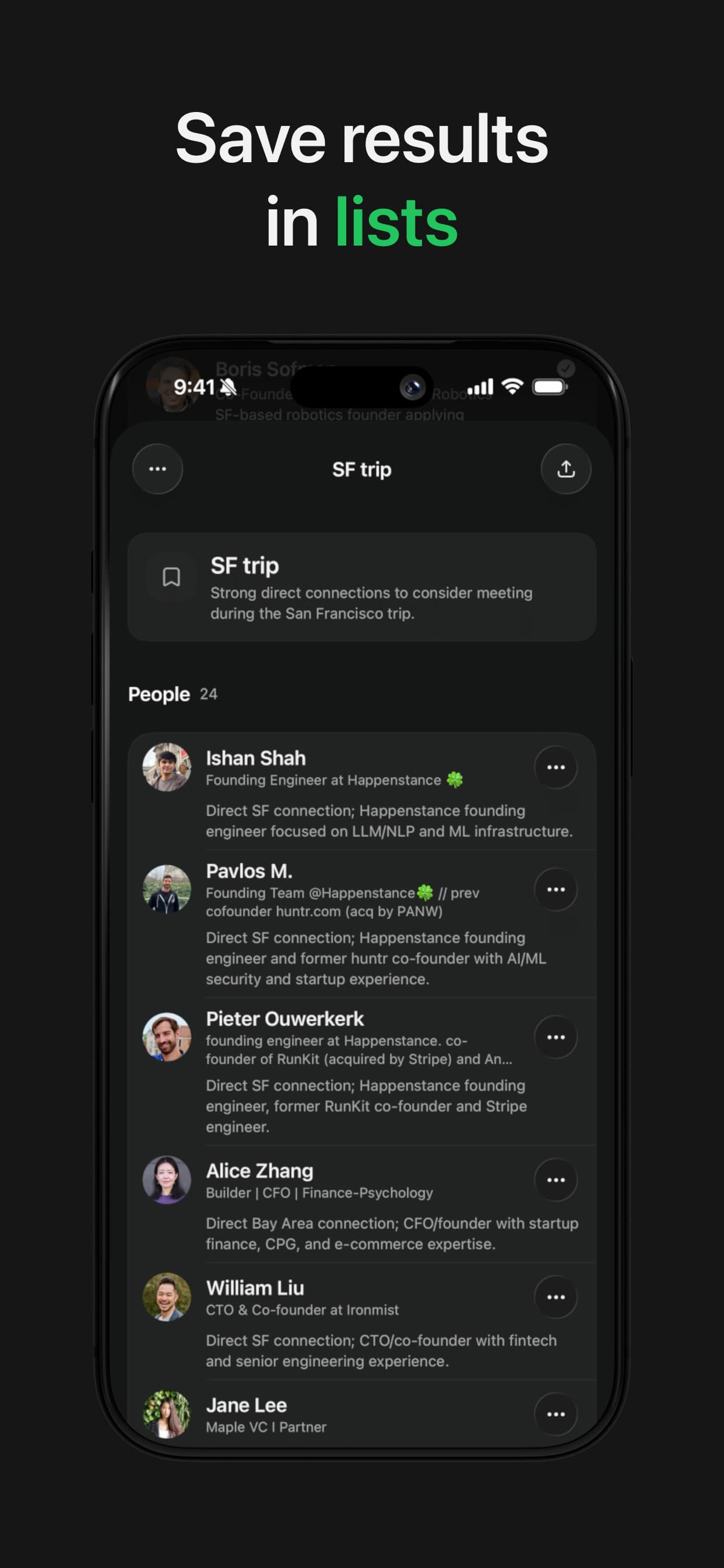
- Save people to lists and draft a clear intro request.
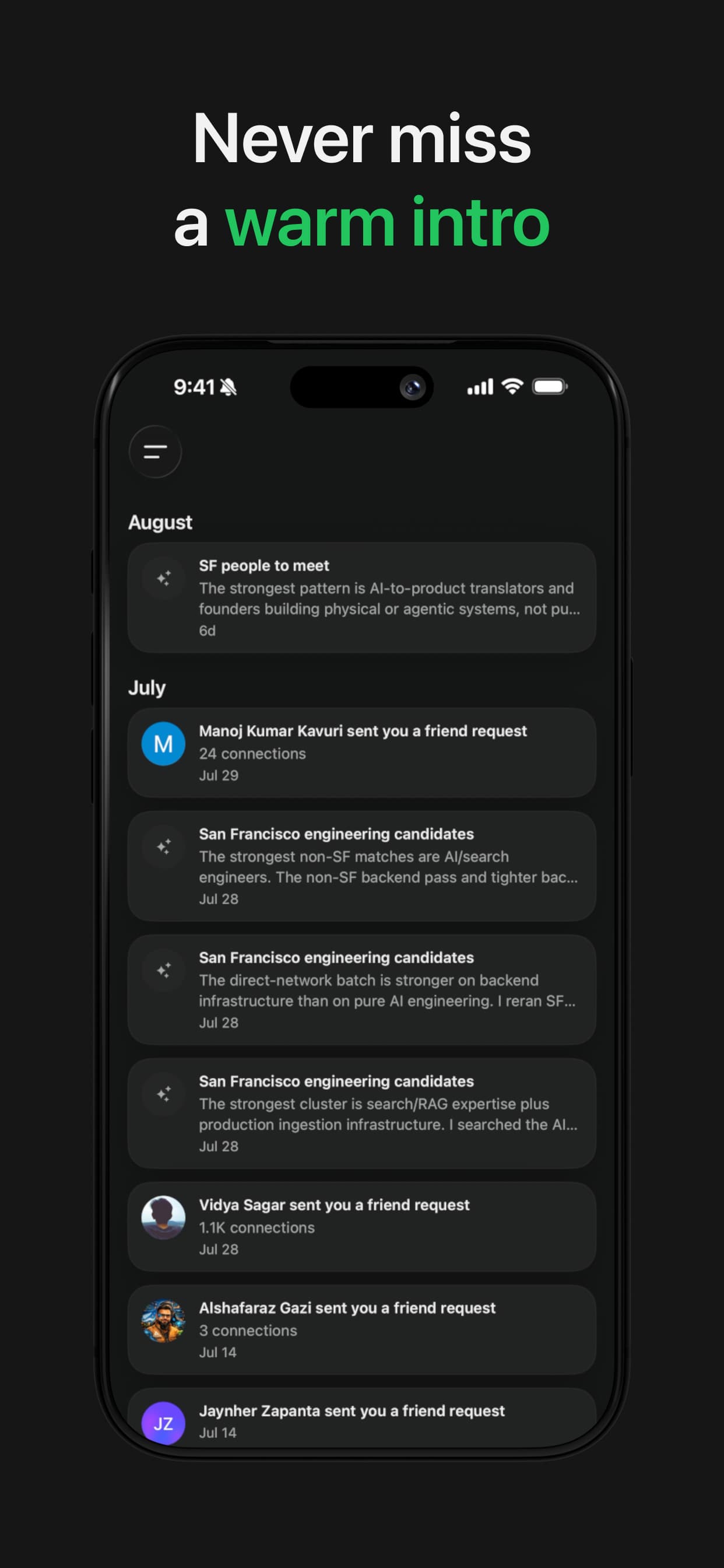
- Keep up with your network
- Get updates when Happenstance finds a new connection, a better route, or someone worth meeting.
Make your iPhone contacts searchable
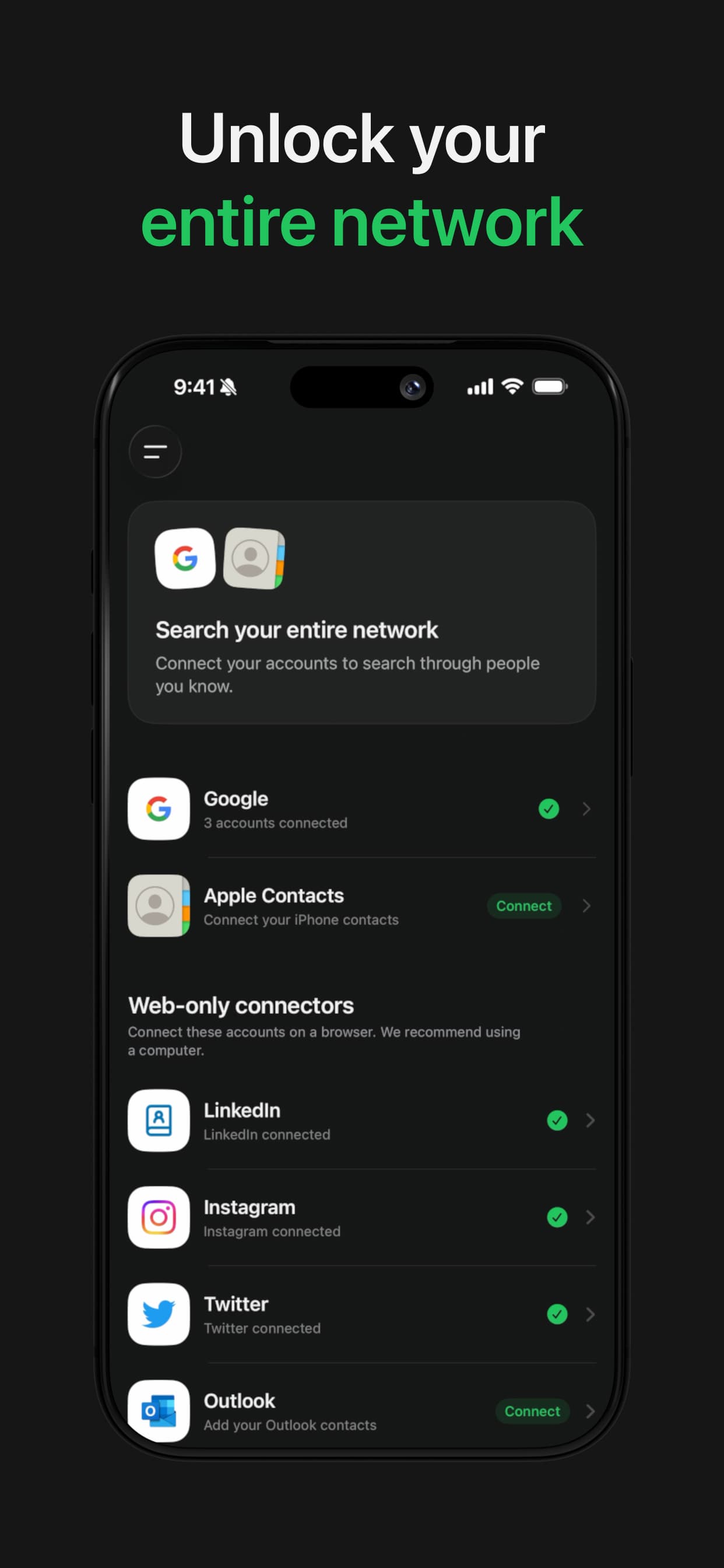
Connect Apple Contacts once, then search your address book by role, company, expertise, or whatever you remember.

Apple Contacts
Available in the iPhone app
- 1
Download Happenstance on your iPhone.
- 2
Open Connectors and choose Apple Contacts.
- 3
Allow access to the contacts you want Happenstance to search.
Apple Contacts matching works best with US-based phone numbers.
See Happenstance in action
Search, review results, save people, and follow up from your iPhone.
iPhone app questions
Take your network with you
Download Happenstance and find your next customer, candidate, investor, or introduction from your iPhone.
Only for iPhone.